Fidget Toys for Gamers
Something for your hands to do in the gaps between matches, without upsetting your teammates on voice chat.
· 4 min read

The short answer
Gamers use fidgets for the dead time: matchmaking queues, loading screens, respawn timers and between rounds. A clicker is the classic pick for a quick, satisfying press, and a spinner is good for longer waits. If you stream or use voice chat, check how loud a fidget is first, because a mic will pick up clicks.
Why gamers reach for a fidget
Gaming is full of waiting. You queue for a match, sit through a loading screen, wait out a respawn, watch the kill cam, then queue again. Your hands go from full speed to nothing in a second, and a lot of people find they start tapping keys, spinning the mouse or picking at the desk.
A fidget gives that energy somewhere to go. It's also a way to let go of a lost round before the next one starts, rather than taking it out on the controller.
It doesn't have to be competitive games either. Long strategy turns, cutscenes you've seen before and slow grinding sessions all leave hands with not much to do. Plenty of people find they keep a fidget in the other hand while the game plays itself for a minute.
Clickers or spinners: which is better for gaming?
Clickers
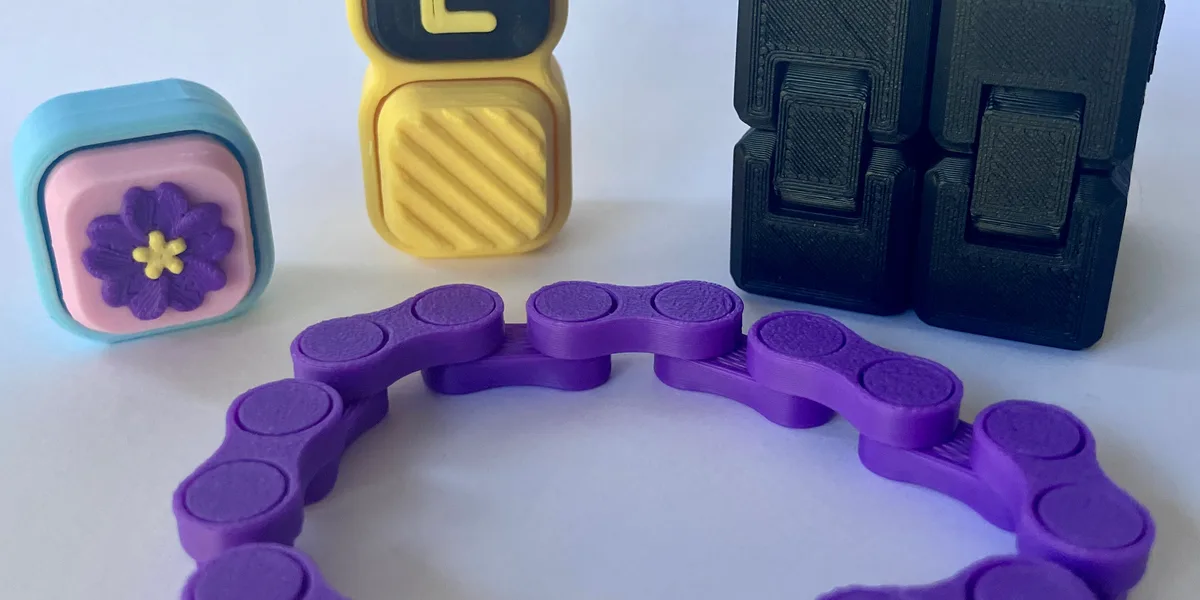
A clicker suits short gaps. Pick it up, press it a few times, put it down when the match loads. The click gives a sharp bit of feedback that a lot of gamers like, a bit like a good mechanical key. Our guide on what a fidget clicker is explains how they work.
Spinners
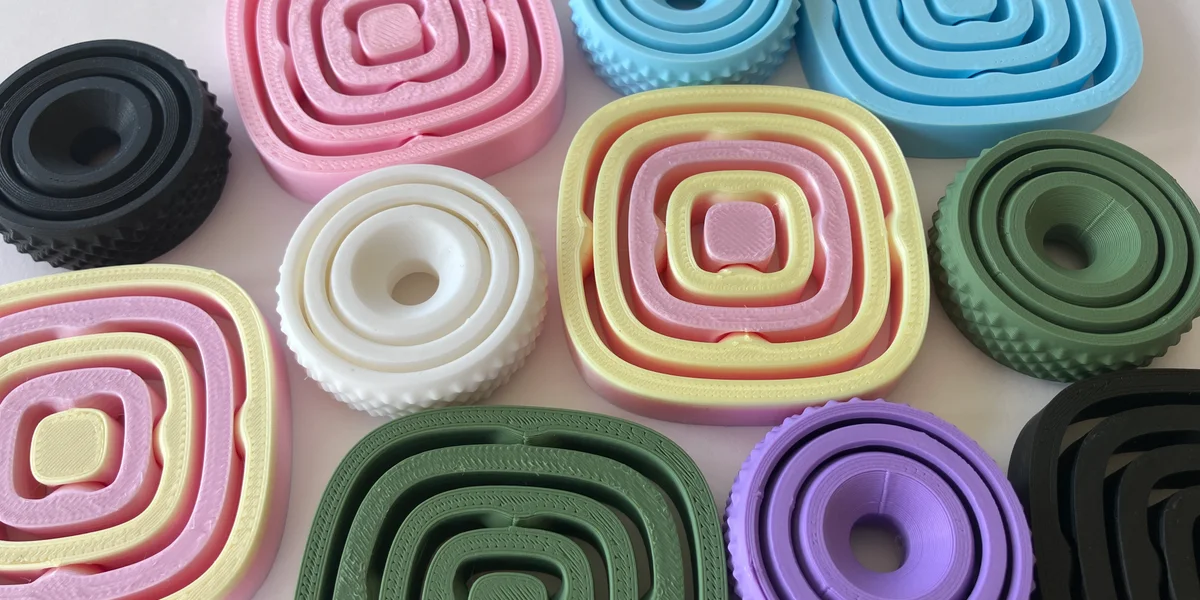
A spinner suits longer waits. Flick it, watch it go, flick it again. Some sit flat on the desk between the keyboard and mouse so they're always within reach. Our guide to fidget spinners goes into the different kinds.
Plenty of people keep one of each: a clicker for queue pops and a spinner for the five-minute lobby.
Fidgets on stream and voice chat
This is the part people forget. Microphones pick up much more than you expect, and a clicker right next to a desk mic can be loud for everyone listening. Your teammates might not thank you for it mid-fight.
Some streamers lean into it and make the click part of their stream. If you'd rather not, push-to-talk and muting between rounds solve most of it, or you can keep a silent fidget for when you're live. Our noise levels guide sorts our range from quiet to loud, so you can see which ones will make it onto the recording.
Long sessions and restless hands
After a few hours, hands and wrists can feel stiff from holding the same grip. Putting the controller down and turning a fidget over for a minute is a small change of movement between matches. It's also a good moment to stand up, stretch and get a drink.
A fidget isn't a fix for wrist pain, though. If your hands or wrists ache after gaming and it doesn't settle with rest, speak to a GP or a physiotherapist.
For anyone who games for focus as much as fun, our guide to fidget toys for adults with ADHD covers fidgeting and concentration in more depth.
Fidgets for teenage gamers
For parents, a fidget on the desk is a cheap, screen-free thing to add to a gaming setup. It doesn't fix anything about how long a teenager plays, but it gives them something physical to do in the gaps that isn't another tab or another video.
Teens tend to like the same things adults do: chunky clickers with a firm press, spinners that run for a long time, and anything in colours that match their setup. A fidget also makes an easy gift for a gamer who seems to have everything else, since it's a bit different from another game or gift card. Our guide to fidget toys for teenagers has more ideas by age and personality.
If they share a bedroom or game late at night, point them at a quiet fidget for after lights out, and keep the clickers for daytime.
Adding fidgets to your gaming setup
- Keep it in reach but out of the way. Somewhere your hand can find it without knocking your drink or nudging the mouse.
- Pick colours that match your setup. Our fidgets come in a range of colours, so you can match your RGB or your team.
- Have a quiet backup. If you share a room, game late or stream, a silent fidget saves arguments.
Every toy we make is 3D-printed by us in Kent, in small batches, from PLA, a plant-based polymer, and carries the UKCA mark. They contain small parts and aren't suitable for children under 36 months, which matters if there's a little one around your setup. The clickers and spinners below are the ones we'd keep on a gaming desk.
Questions people ask
What is the best fidget toy for gaming?
Clickers suit short waits like queue times and respawns, while spinners suit longer gaps such as lobbies and loading screens. Many gamers keep one of each on their desk.
Can a microphone pick up a fidget clicker?
Yes. A clicker near a desk microphone can be clearly heard by teammates or stream viewers. Use push-to-talk, mute between rounds, or keep a silent fidget for when you are live.
Why do gamers use fidget toys?
Games have lots of short waits, such as matchmaking and respawns. A fidget gives restless hands something to do in those gaps and between long sessions.
Are fidget toys good for streamers?
They can be, as long as you know how loud they are. Some streamers make the click part of their stream, while others keep silent fidgets for when they are on mic.